 TAHERITECHNOLOGIES LTD
Key takeaways
- The most common call we get is simply "the internet isn't working". Often the cause is inside the office, not the provider.
- An IP conflict, where two devices clash on the network, makes computers drop off.
- Weak Wi-Fi in some rooms is usually fixed with an access point or extender, not a bigger internet package.
- Restart in the right order: router first, then switches, then computers.
- We stock Hikvision, Tenda, D-Link and TP-Link routers, access points and switches.
When the internet stops in an office, work stops with it: emails do not send, the accounts system will not open and customers cannot pay. The good news is that most problems follow a few common patterns. This guide explains them, what you can check yourself, and when to call our technicians.
Is it the provider or the office?
Before calling anyone, a few quick checks tell you where the problem is:
- Is every device offline, or just some? If every phone and computer has lost the internet, the problem is usually the provider or the main router. If only some devices are affected, the problem is inside your office network.
- Check the lights on the router or modem. A red or missing internet light usually means the connection from the provider is down.
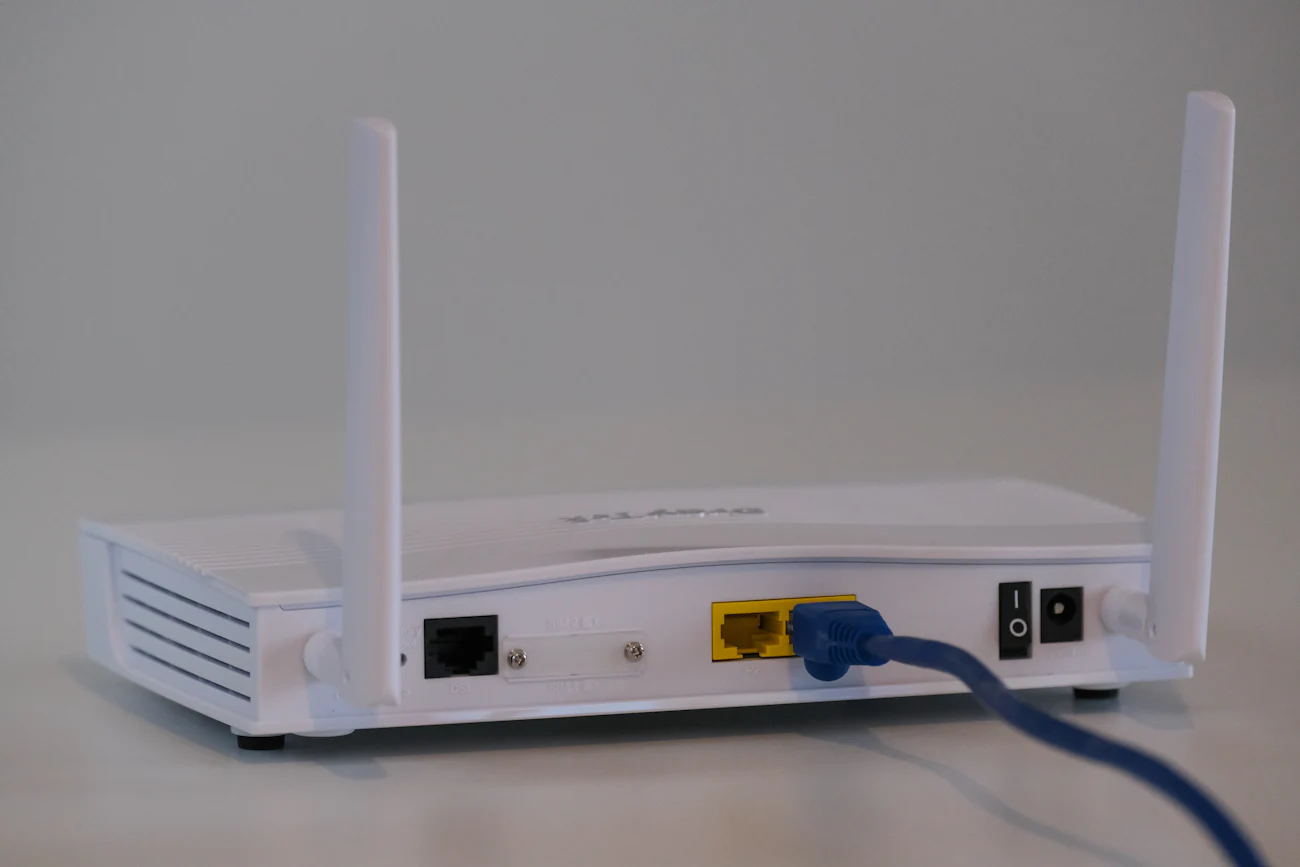
- Restart in the right order. Switch off the router, wait 30 seconds and switch it back on. Wait until it is fully up, then restart the switches and finally the computers.
If the whole office is still down after a restart, call your internet provider. If only some computers keep dropping off, read on.
What is an IP conflict?
Every device on your network needs its own address, called an IP address. An IP conflict happens when two devices end up with the same address. They clash, and one or both drop off the network. You may see a Windows message about an IP address conflict, or notice that one computer loses the internet whenever another one connects.
Common causes we find in offices:
- A printer, camera recorder or other device was given a fixed address that the router also hands out to computers.
- A second router was plugged in and is also handing out addresses.
- Old settings left over from a previous setup.
We troubleshoot on site to find the real cause before fixing it, then reserve fixed addresses for printers and recorders so the conflict does not come back.
Why is the Wi-Fi weak in some rooms?
Wi-Fi gets weaker through walls, floors and distance. Concrete and block walls, common in Tanzanian buildings, are especially hard for the signal to pass through. A router hidden in a cupboard or at one end of the building cannot reach every room. Too many devices on one router also slow everyone down.
| Fix | Best for | Notes |
|---|---|---|
| Move the router | Small offices and homes | Central, high and in the open. Free, and often enough. |
| Wi-Fi extender | One or two weak rooms | Repeats the router's signal. Quick to install, no new cable. |
| Access point | Offices, shops and halls | Connected to the router by network cable for the strongest, most stable Wi-Fi. |
| Mesh system | Larger homes and offices without cabling | Several units work together as one network that you move around freely. |
For most offices we recommend an extender or access point to boost the main router's signal. Paying for a faster internet package does not help if the signal never reaches the room.
Office network checklist
- Put the router, switch and modem on a UPS so power cuts do not restart the network.
- Keep network equipment in a ventilated cabinet, not on the floor.
- Give guests a separate guest Wi-Fi, away from your staff computers and files.
- Change the router's default admin password.
- Label cables and keep a simple list of which devices have fixed addresses.
Which brands do we stock?
The brands our customers ask for most are Hikvision routers, Tenda, D-Link and TP-Link. We also stock Cudy, MikroTik and Ubiquiti, including outdoor links that connect two buildings without digging cable. See everything on our Networking & Wi-Fi products page.
When to call us
- The whole office is still offline after restarting, and the provider says their line is fine.
- Computers keep dropping off the network during the day.
- You are moving into a new office and need cabling, Wi-Fi and switches set up.
- You are adding CCTV cameras that need PoE switches or network cable.
Offices on our IT Care plans get a network check on every monthly visit, so problems are found before they stop work.
Frequently asked questions
Why does my office internet keep disconnecting?
The most common causes are an IP conflict, where two devices clash on the network, a router that is overloaded or overheating, and power cuts restarting the equipment. If only some computers drop off, the problem is usually inside the office network. We troubleshoot on site to find the cause.
What is the difference between a Wi-Fi extender and an access point?
An extender picks up your router's Wi-Fi and repeats it further, with no new cable. An access point is connected to the router by network cable, so it gives stronger and more stable Wi-Fi. Extenders suit one or two weak rooms; access points suit offices, shops and halls.
Will a faster internet package fix weak Wi-Fi?
Usually not. If the signal does not reach a room because of walls or distance, a faster package does not change that. An extender, access point or mesh system brings the signal to where you need it.
Should guests use a separate Wi-Fi?
Yes. A separate guest Wi-Fi keeps visitors away from your staff computers, printers and files, and stops guests slowing down the office network.
Do you set up office networks in Mwanza?
Yes. We supply and install routers, access points, switches and cabling for offices, shops and homes, and we work across Tanzania. Call or WhatsApp +255 788 449 990.